
Digital Skills: Understanding Hardware and Software

Wishlist Share
Share Course
Page Link
Share On Social Media

About Course

This course gives you a solid foundation in the essentials of digital devices. You’ll explore hardware components, software, operating systems, and applications, gaining practical skills to navigate, manage, and use technology confidently. By the end, you’ll understand how devices work, how to install and manage applications, and how technology impacts society, work, and daily life.

Who it’s for:

  • Beginners who want to understand how computers and digital devices work

  • Adults improving digital literacy for personal or professional use

  • Educators, support staff, or anyone using technology in daily tasks

Learning Outcomes:

  • Identify and understand different types of hardware and software

  • Navigate and customize operating systems

  • Locate, install, and manage applications efficiently

  • Understand the impact of technology on society and industry

  • Apply basic digital skills confidently and safely

Call-to-Action: Enroll today to build your essential digital skills and gain confidence using technology!

Show More

What Will You Learn?

  • Gain a comprehensive understanding of digital device terminology and features.
  • Learn to effectively navigate and use hardware and software.
  • Master skills for locating, installing, and configuring applications.
  • Develop proficiency in managing system settings on various devices.
  • Enhance your ability to find, evaluate, and manage digital information.
  • Understand file management, including storage solutions and backup strategies.

Course Content

Module 1: Digital Skills: Understanding Hardware
This course introduces the physical components that make digital devices work. Learners will explore hardware types, from input and output devices to processors and storage, and learn how these components connect and interact. By the end, you’ll be able to identify key hardware, understand its function, and apply basic setup and troubleshooting skills, forming a strong foundation for further digital skills learning.

  • Lesson 1.1: What is Hardware
  • Lesson 1.2: Types of Hardware
    05:12
  • Lesson 1.3: Hardware Compatibility and Connectivity
  • Lesson 1.4: Summary of Hardware

Module 2: Digital Skills: Understanding Software
This course introduces learners to software, the programs and instructions that make digital devices functional. You’ll explore operating systems, application software, and software suites, learning how they manage hardware, run tasks, and enable productivity, communication, creativity, and entertainment. By the end of this module, learners will understand different types of software, how to navigate operating systems, and how applications impact daily life, work, education, and society.

Module 3: Digital Skills: Applying System Settings and Managing Digital Information
This module teaches learners how to configure devices, manage system settings, and handle digital information efficiently. Topics include personalizing display and sound settings, connecting to networks, exploring accessibility features, finding and evaluating online information, and organizing files and folders. Mastering these skills ensures devices are optimized, secure, and productive for personal, educational, and professional use.

Course Assessment and Certification
This final module allows learners to review and consolidate their understanding of the course content. Learners will: Revisit key concepts using glossary and concept cardsTest their knowledge through a self-paced quiz covering all modules Receive feedback to identify areas for improvement Earn a certificate upon successful completion, validating their learning This module ensures that learners can apply what they’ve learned confidently and provides formal recognition of their achievement, marking the successful completion of the course.

Earn a certificate

Add this certificate to your resume to demonstrate your skills & increase your chances of getting noticed.
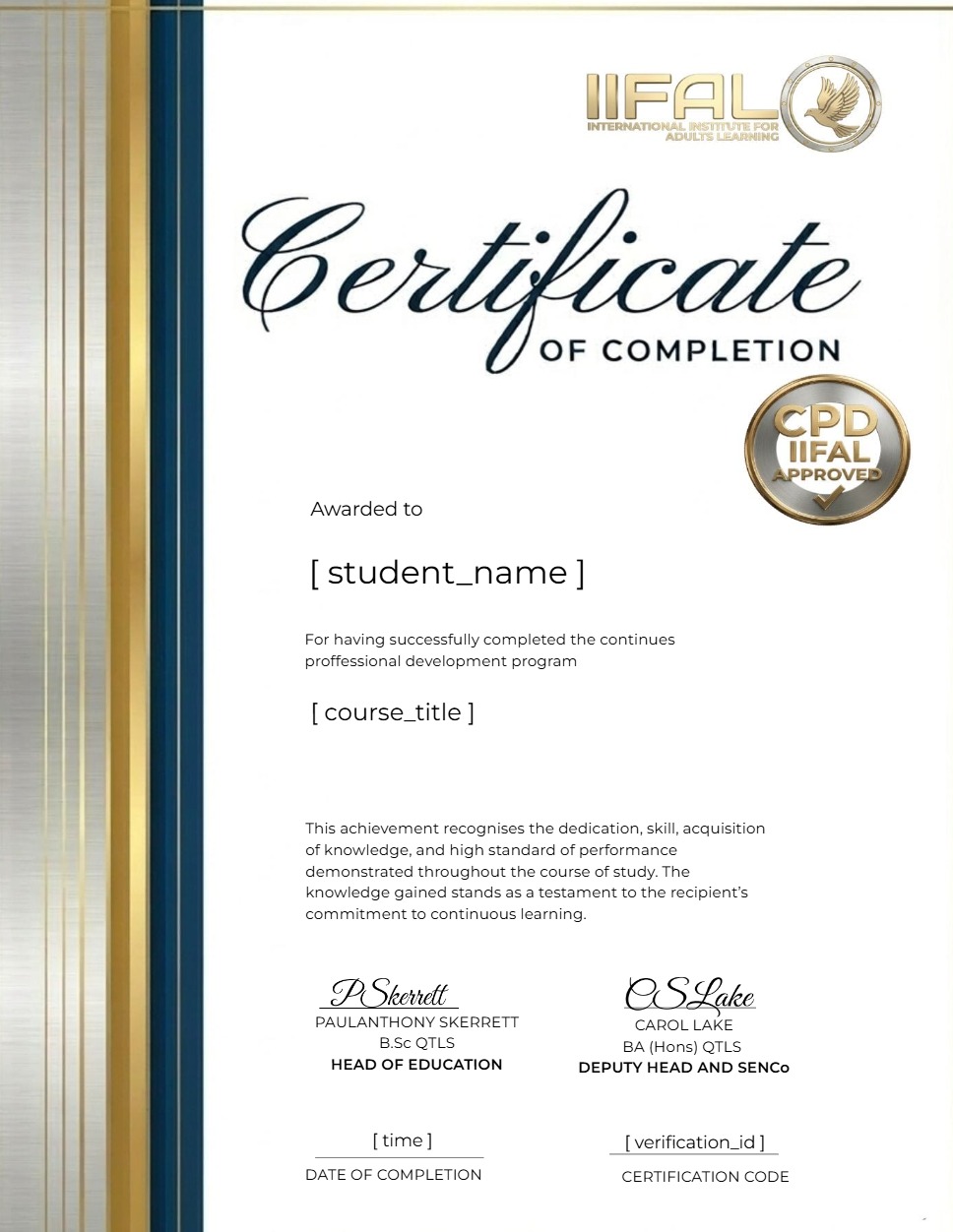
selected template

Student Ratings & Reviews

No Review Yet
No Review Yet